Best tools for goal tracking and planning when everything breaks midweek
I spent two Tuesday mornings in a row trying to fix a Notion template that synced with my Google Calendar and somehow stopped updating completed goals after a week. It worked during coffee on Monday, then by Wednesday everything was blank. Turned out Zapier cached the whole thing but didn’t unstick itself unless I manually reloaded the task history. :-/
And that’s kind of the recurring theme with goal tracking apps — the best tool isn’t always the cleanest interface or the one trending on Product Hunt. It’s the one that actually still behaves the same at the end of the week as it did on a Sunday night, when you thought you had your life together.
Here’s what I’ve learned while hopping between apps, relinking databases, and trying very hard to make small boxes turn green without losing sleep.
1. Syncing Notion with calendar-based planning tools
People love using Notion for goal tracking, and I did too — until I synced it with Google Calendar and lost three days of tasks. The problem came down to how recurring events get written. If you use Zapier to send “New Calendar Event” over to Notion, it’ll duplicate the task every time the event recurs, instead of merging or appending it. Felt cute. May uninstall later 😐
The workaround I started using: Instead of sending event data directly into Notion, I now log it through a Google Sheet buffer. The Zap watches calendar events, pushes them into a Sheet, and then a completely separate automation (on a delay) writes the data into a Notion database after checking for duplicate rows. Is it elegant? No. Does it avoid accidentally creating 27 copies of “Plan Q3 Roadmap”? Yes.
If you ever tried consolidating One-on-One meetings from both your personal and work account this way, you might’ve hit the same weird edge case: the event description gets truncated when passed through via Zapier’s built-in Notion connection. The Notion API doesn’t accept rich text blocks the same way from Zapier as it does from Make.com (formerly Integromat). So your beautiful bullet list of talking points? Gone. Just a hyphen. Literally just that.
Anyway. If your use case is goal planning where weekly visibility matters (across events + priorities), here’s what works better:
- Use a middle layer (Google Sheets or Airtable) to normalize data
- Don’t use recurring calendar events unless you can uniquely tag each instance
- Use formulas to determine progress, not just checkboxes
- Re-sync the Notion connection every 10 days if using OAuth — it sometimes just expires silently
The more you automate these check-ins, the more fragile the system becomes over time. I don’t mean philosophically. I mean literally nothing triggers until you poke it manually. ¯\_(ツ)_/¯
2. Using Tana to build goal hierarchies that actually sync
When I tested Tana for mapping quarterly outcomes to habit-level actions, I got what I wanted — eventually. My first try using Smart Tags exploded when two nodes had the same name. No warning. It just silently merged them. So suddenly “Read 10 books” and “Read 10 articles” had the same history. 🤦
There’s a learning curve with Tana’s structure if you’re coming from something visual like ClickUp or task-based like Todoist. But once I figured out its search language (which reminds me a little of Dynalist’s filter), I could query:
“Show all habits this week linked to Q2 Outcomes tagged ‘Wellness’ but NOT marked Done.”
And that actually felt magical the first time it returned useful data.
Some stuff to keep in mind taming Tana:
- Don’t just use hashtags. Create separate supertags with fields like “Metric” and “Owner”
- Set your own status values beyond “Done” – I use “In Progress”, “Stuck”, and “Deferred”
- Tana’s daily node view is great for journaling, but skip it if you plan weekly — otherwise you’ll duplicate effort
- Use a saved search node for reviews, otherwise you’ll forget which goals had sub-items
- If you export to Markdown, dates get lost unless you hardcode them as text fields
I once mis-attributed a whole week’s worth of “Workout done” logs to the same day because the date got set to the time of export. Make sure your time stamps are in UTC+0 or UTC+whatever your actual brain uses.
3. Planning with Sunsama when energy levels change midweek
What I like about Sunsama is how it asks you each day: what do you *actually* want to do today? And what can wait? It’s very friendly on the surface, but under the hood it’s tracking time, pushing incomplete tasks, and tagging things by priority — even if you didn’t.
The problem: when I connected it with ClickUp and tried syncing project tasks, everything fell apart. Sunsama overwrites estimates with 0 if you drag in a task without setting one. So you end up sabotaging your own planning stats unless you prefill everything manually. And once that field is “0”, Sunsama starts ignoring it for weekly planning.
Here’s a tiny hack that saved me: instead of syncing specific ClickUp lists, I pipe Weekly Goals into my calendar as 30-min recurring placeholder events, then treat Sunsama like a daily journaling interface. That way I feel productive dragging them in, without breaking the original data source. 🙂
Also: if you export Sunsama’s planning report PDF, and your browser is in dark mode, the file ends up with weird transparency bugs — white text on white background. Took me a full hour to realize it wasn’t my printer.
For floating goals (things that don’t expire on a certain day but need consistent nudges), I make liberal use of their “Tasks without a target date” list, but schedule them gently. Sunsama’s default reminders make you feel bad once something rolls over more than twice.
Quick tips for building a workflow with it:
- Manually update ClickUp task estimates before importing
- Disable auto-snoozing of tasks longer than 3 days overdue (Settings > Integrations > Behaviors)
- Segment “Focus Time” manually by tagging tasks with an asterisk — they’ll float to the top
- Print weekly planning sessions as HTML, not PDF, if your browser is in dark mode
- Use the mobile app only for reviewing — planning on the mobile UI is clunky and slow
Sunsama actually helped me say no to more things — by making the drag-and-drop moment feel emotionally loaded. It’s like you have to *accept* the guilt of carrying it forward. Weird UX win, honestly.
4. Why structured habit apps break when you change time zones
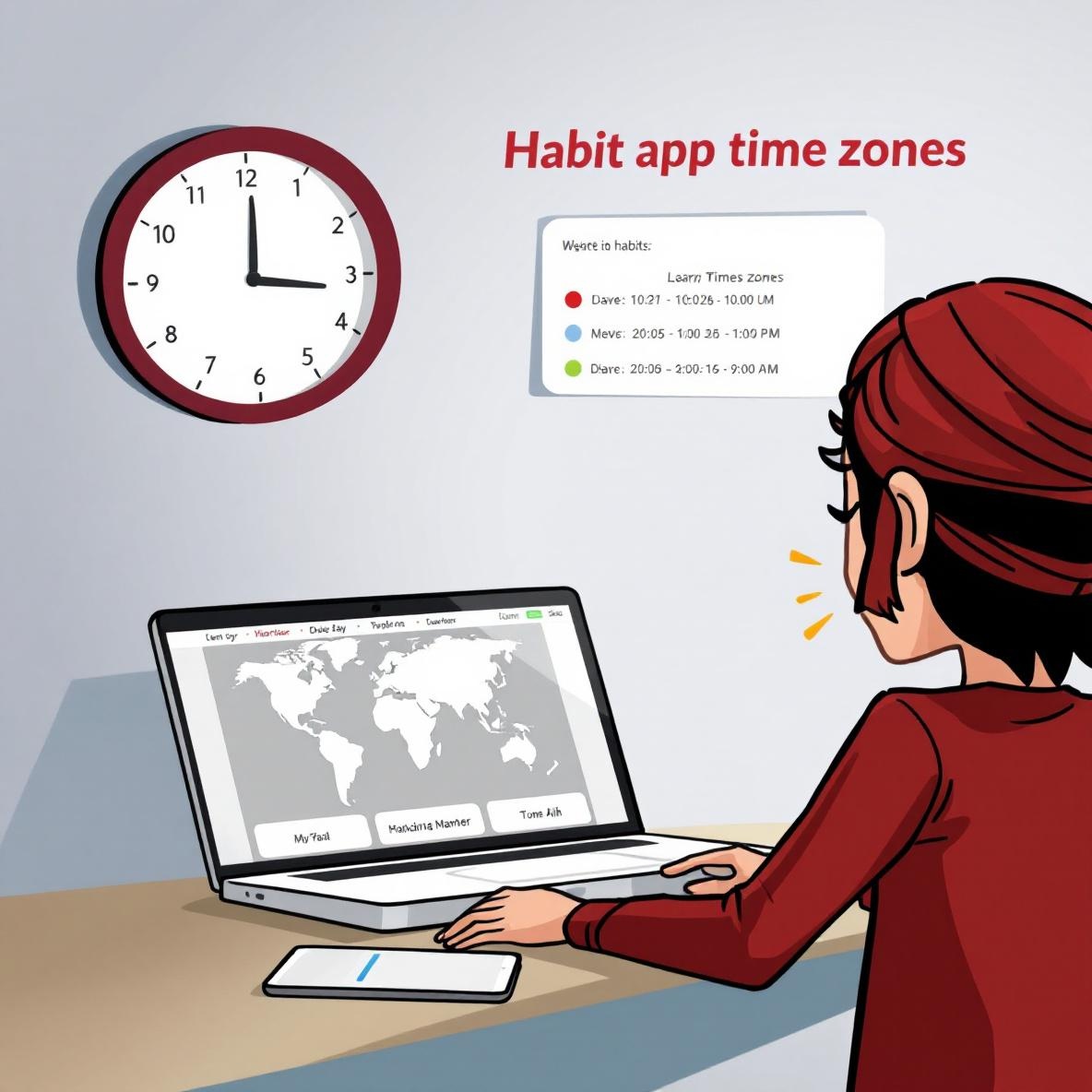
I was in a different state for five days — not a metaphor, like a literal different time zone — and my entire Streaks progress chart turned orange. Everything slid (visually) to the next day, and it thought I skipped my habits.
Then I tested the same behavior in Habitify and it did even worse: syncing while in airplane mode caused it to *delete* three days of entries, without any notice or rollback. Turns out their local caching layer resets progress if it can’t verify the timezone delta with their server within 24 hours.
So now my travel rule for habit apps is this:
Only trust apps that use UTC or give you a timezone override. So far, only a few qualify — Loop Habit Tracker (on Android), and the Apple Health-integrated side of Strides on iOS. And even those have quirks:
- Strides sometimes counts an entry at 11:59 PM as the next day if your phone clock auto-adjusted while open
- Loop caches data well but doesn’t sync goals unless you open the app
- Any third-party Apple Watch habit tracker can overcount steps if Health permissions toggle off mid-day
I also learned not to trust Siri Shortcuts for habit logging if you’ve recently changed daylight saving settings. It’ll run the automation, play the confirmation chime, but won’t actually update the goal in-app. No error, nothing. Just a vibe.
The goal apps I still trust for travel planning: Things 3 (manually synced), and Forest (with time-based goals, not quantity ones).