
How a renamed label messed up everything downstream
I didn’t even notice the problem until Tuesday morning, which is honestly embarrassing. I had renamed one little label in Notion — just for clarity! It used to be called “Next Week” and I changed it to “Later Queue” because I was trying out a new Eisenhower-style priority kanban flow. But the way that broke half of my second brain setup is kinda incredible.
This post is for anyone working remotely who’s trying to build a second brain system — especially if you’re piecing it together with Notion, Google Calendar, and automation tools like Zapier or Make. If something “just stops working” and you suspect it’s because of a naming change (even a small one), yeah, I’ve been there.
1. Renaming a Notion label broke my filters
So the core of my daily task queue lives inside a Notion database called “Master Tasks.” I have several views that act like work queues — Today, Tomorrow, Next Week, etc. The idea is that based on the Due Date and Status (a select property), each task flows naturally into one of these verticals.
Here’s where I messed up: I renamed the Status option from “Next Week” to “Later Queue.” I thought it sounded better for how I think. I use that status for things that aren’t urgent but might be soon, and I’d been reflecting on how annoying it was to “accidentally” schedule something for Tuesday next week that ends up nuked by Monday’s mess.
Anyway, I made the change and moved on with life… until Tuesday morning, when my agenda was basically empty except for two recurring onboarding prep tasks that live in the “Today” view permanently. Everything that used to be scheduled for Tuesday was just gone.
Turns out, I had a filter condition on my “Tuesday Dispatch” database view just showing tasks with Status = “Next Week.” Since I renamed the tag, that filter now pointed at… nothing 🙂
Notion didn’t warn me, didn’t throw an error. It just showed me a beautifully filtered, entirely empty workspace. I had to go back through the Version History to see which tag I had renamed and what views relied on it. Some of those views were inside toggles inside templates — hidden deep.
2. My dashboard widgets on Make stopped triggering
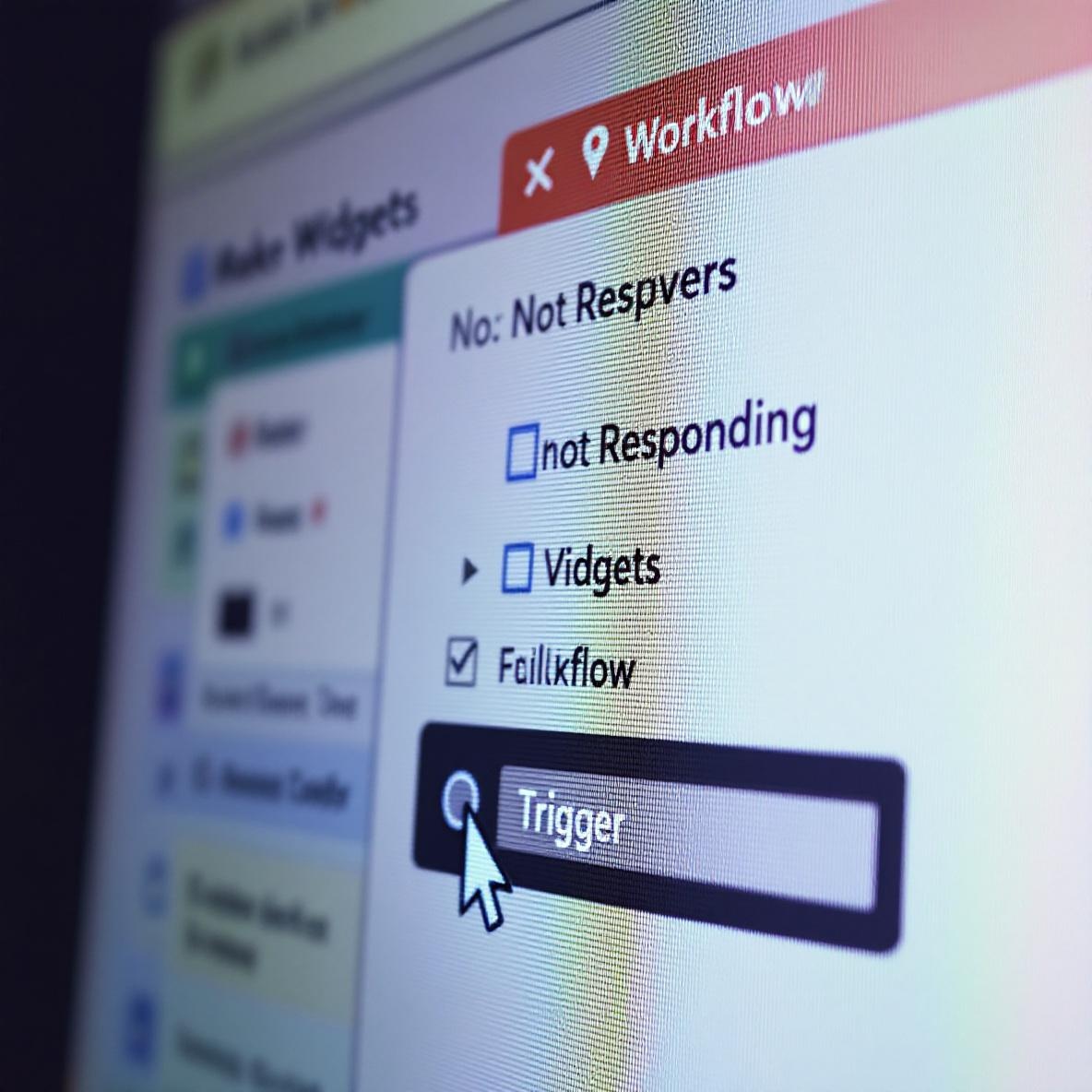
This one took me longer to notice. I have Make scanning my Notion database every 5 minutes for new tasks matching specific filters — Tasks with Status = “Today” AND Tag contains “Client A” AND a checkbox called “Ping” is true. When it finds one, it hits Slack through an incoming webhook.
Once I renamed “Next Week” to “Later Queue,” some of those tasks disappeared from the Now view, so naturally… we stopped checking them off. But the real kicker was Make continued polling the entire Notion database, treating everything like it was fine.
Only it wasn’t. Because some of my triggers deep in the scenario used Status = “Next Week,” they just silently failed to match anything at all. Logs said “0 items passed filter,” but I didn’t take that as a red flag since I was working on other client dashboards that day. Three days later, a VIP client reminded me we hadn’t responded to a Q3 prep task marked urgent. Fun!
I also realized something worse: if you try to rename a Notion select label, Make continues to try to reference it by its ID, not the visible name — sometimes. Some blocks came through fine. Others didn’t. The inconsistency seemed related to whether it was pulling via internal name (label ID) or display string, which I still don’t fully understand ¯\_(ツ)_/¯
Here’s a screenshot from Make where the log says:
“Possible values: ‘Today’, ‘Waiting on’, ‘Later Queue’ — Filter value: ‘Next Week’ — No match.”
So even though the label object had clearly been renamed, the old name was hardcoded in the filter. No warning. No signal.
3. Zapier paths silently failed in multi-step workflows
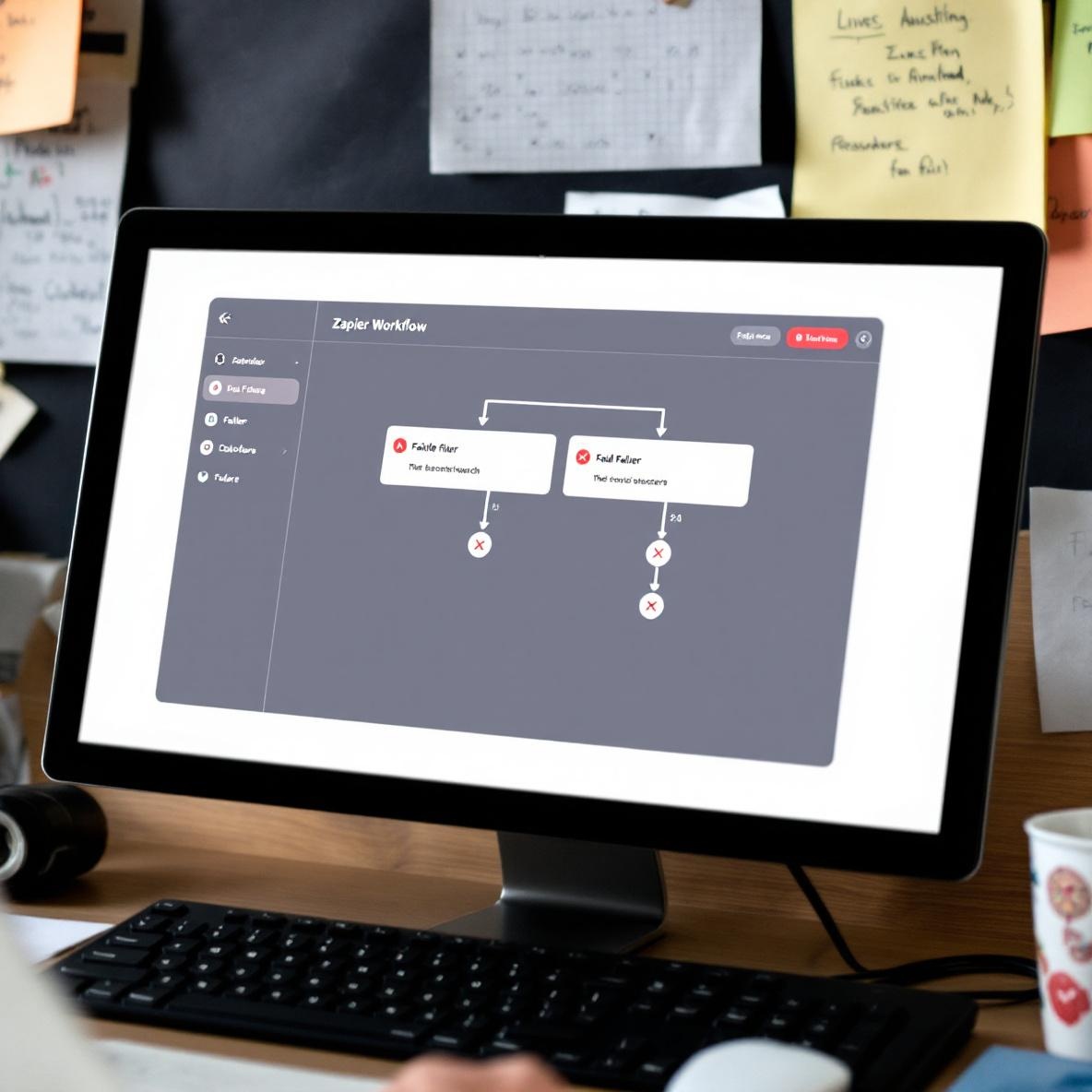
I also had a big Zap with multiple paths. One of them was set up to check if tasks in Notion had the Status label “Next Week” and skip if they did. It was part of a cycle that prevents things from being re-added to Trello if we migrate early-stage planning tasks into Notion too fast.
It’s a weird flow, but here’s the short version:
- A Google Form submission triggers the Zap
- It checks Airtable for existing project links
- It updates or creates a task inside Notion
- It checks the Notion task’s status
- If status = “Next Week”, the Zap skips the Trello path
Well… after the rename? It didn’t skip anymore. It just failed to match the path condition. So tasks with the new label “Later Queue” now flowed into Trello too early. Not ideal when you’re juggling client expectations and a five-page scope doc that still needs approvals.
What annoyed me more was Zapier didn’t flag the path logic as invalid. The UI happily let me keep using “Next Week” as a filter string, even though that option no longer existed in the select field. No errors, no yellow warnings. Just slowly wrong behavior.
I had to rebuild that Zap path manually. Deleting the old label value string and selecting the new one again was the only way to jog Zapier out of caching the old one.
4. Calendar sync bots stopped recognizing start triggers
Oh man. The stupidest one? Cron hooked into Notion to pull tasks marked “Next Week” and slot them into flexible calendar blocks based on estimated time. It helped me batch schedule the week ahead on Sundays.
Well… I renamed “Next Week” and forgot that the integration I’d set up used that exact label as a cue to generate calendar events. So Monday morning? The calendar was blessedly empty. I thought maybe I was miraculously on top of things 😅
But then I noticed one oddly quiet project — nothing was scheduled despite having 3 deliverables listed. I checked the “Weekly Autoplanner” scenario in Cron and sure enough… the filter was still pointing at “Next Week.” The bot ran fine, just… didn’t identify anything to schedule.
What’s particularly wild is Cron gives you logs (bless) but they just say something like: “No events matched for scheduling window.” There’s no clue that the Notion tag typo or rename is to blame.
Once again, I had to manually edit the integration, browse the updated label list, reselect “Later Queue,” and rerun.
5. Lessons I painfully relearned this week
After nearly a full day spent chasing silently broken filters, triggers, and bots, I’ve come to accept that any minor naming change ripples further than expected. Some of these tools hide that fact behind things that *look* like they’re working.
Real moments from this week:
- Watching a Zap say “Success” when it absolutely did the wrong thing
- Exporting a Notion database to CSV just to verify the current tag names 😭
- Scheduling a 25-minute call with myself (seriously) to clean up filters across all path, router, and condition blocks
A few very specific things I now do:
- Before renaming a tag, search for it across all views and filters you use. Don’t rely on Notion’s built-in search alone — search inside Make and Zapier too.
- Create a dummy task or entry and run your automations after the rename, watching logs closely.
- In Zapier and Make, avoid using hardcoded string matches for select values. Use condition groups or enums if available.
- Add a temporary alert inside a Slack Zap that pings you if 0 results are processed in a known cycle trigger.
- Use property IDs (when you can actually access them) instead of names — though even that isn’t foolproof when names change.
- Leave a comment trail in your Notion properties or filter descriptions. I now put things like “Used by Path C in Zap #5” just as a personal breadcrumb.
- Pick tag names that are descriptive and memorable. Renaming for vibes costs more tech debt than I thought 😛
I’m still going to rename things when they feel wrong. But from now on, I’m logging the old names somewhere — maybe even in a dummy “Tag Audit” database — so I can trace bugs faster when everything explodes on a Tuesday.