
How to build a personal knowledge management system for freelancers who forget their own systems
Let’s just admit it: every freelancer who manages multiple tools eventually builds a half-working system that no longer makes sense three months later. This happened after I set up a fancy PKM stack with Notion, Readwise, and some Make.com Zaps. It worked beautifully at first. Then I updated an API key, and boom — tasks stopped syncing, highlights vanished, and I realized, once again, I’m the only employee in a company with no SOPs 😂.
I’m rebuilding this thing for the third time and documenting *exactly* what’s breaking — and how I’ve tried to Frankenstein it back together anyway.
1. Set up your core capture flow before picking your app
There’s nothing worse than falling in love with an app and then realizing it doesn’t support the way you naturally store or retrieve information. I made this mistake with Obsidian for six months. I love Obsidian. But I don’t always write in markdown. I collect PDFs, screenshot tweets, drag YouTube notes into Readwise, etc. Obsidian doesn’t naturally ingest that kind of stuff — unless you bolt on plugins and remember fourteen hotkeys 😅.
Start with how you **actually** capture:
– Do you highlight Kindle books?
– Do you forward emails to yourself with ideas?
– Do you scan handwritten notes into PDF?
Once you know your capture flows, then look at apps like Notion, Logseq, or Tana. But test ingestion first. For me, Readwise is the actual glue — even though it’s not where I store final notes.
Oh, and here’s something no one tells you: Readwise Reader’s browser extension sometimes silently fails to clip the actual readable content if the article is JavaScript-heavy. You hit save, it says “saved,” then inside Reader it’s just a blank page 🤯.
I now manually open Reader after every 4 or 5 saves just to make sure stuff didn’t vanish. It’s tedious, I know.
2. Turn disorganized data into useful resurfacing triggers
If I throw 100 Kindle book highlights into Notion, that’s cute, but I’ll never read them. The trick is building a system that bumps useful info back into your life when you can actually use it.
What worked for me: I started tagging entries in Readwise using a custom Zapier webhook. Every time I use the tag `@use-later`, it sends the highlight and source to a special Notion database. This is the only one I read every day. It’s my resurfacing inbox. It has checkboxes and table filters so I’m not overwhelmed.
However — Readwise’s tagging often doesn’t sync instantly. There’s like a 5-minute delay before the Zap triggers, and sometimes it doesn’t fire if I tag too many highlights at once. There’s no alert or warning.
I also tried the native Readwise → Notion integration… until it dropped about 20% of my imported notes without explanation. I literally compared the JSON payloads and some pages just never made it, even though the API didn’t throw an error. No retry logic either.
So yeah, if you care about full ingestion, use webhooks and your own retry tracking. That part’s on you.
3. Link related ideas even if they live in separate apps

One of my freelance clients asked me last month: “Where’s that note about marketing channels we discussed in March?” I had no idea. I remembered sketching it in Freeform on my iPad, summarizing it into Craft notes, and then referencing it later in a Slack message. But nowhere was it indexed.
This is what made me start cross-linking atomic ideas across platforms. It sounds messy, and it is. But it works.
Here’s how I roughly do it:
– Every time I finish a draft I like (whether in Notion, Craft, or Bear), I slap a unique ID at the end (like `note-fb-0031`)
– I log the title and ID to a simple Google Sheet with columns: Idea, App, Link, Final status
– If I reference that idea in other platforms (like Slack screenshots, emails, etc), I paste the same ID at the end
Now when I do a global search in Raycast or Alfred, I can just type part of the ID — and bam, I get Notion, Google Sheets, or even Slack hits in one step 😎.
You could use something fancier like a graph database or Tana — and I tried. But in actual daily life, cross-platform unique IDs and a spreadsheet have ironically been more futureproof.
4. Replace bookmark hoarding with workflow triggers
If your knowledge vault is just a giant pile of bookmarks, you’ll forget what’s in it. I migrated years of bookmarks from Pocket into Notion. They all had tags like “copywriting,” “UX,” and “research,” and guess what? I never looked at them again.
What finally helped: using bookmarks as **triggers**, not archives.
I now only keep bookmarks that correspond to workflows I check actively. For example:
– I have a view filtered only for posts tagged `client-lingo` — when writing emails, I pull phrases directly from that table
– Another view shows articles tagged `enchanting-intros` — these inspire me before writing blog post openings
– Tags like `pitch-stack` link to slides and successful decks I’ve used, auto-sorted by date used
The key change here is that each “bookmark” now has an intended action: Use, Reference, Adapt. Metadata-driven, not archive-driven.
One odd bug I still bump into: Notion reorders some filter views if I switch between pages too quickly. You open View A, click View B, and suddenly View A disappears unless you refresh. It doesn’t happen consistently, but it is very real 🙃.
5. Build reset buttons into the system ahead of time
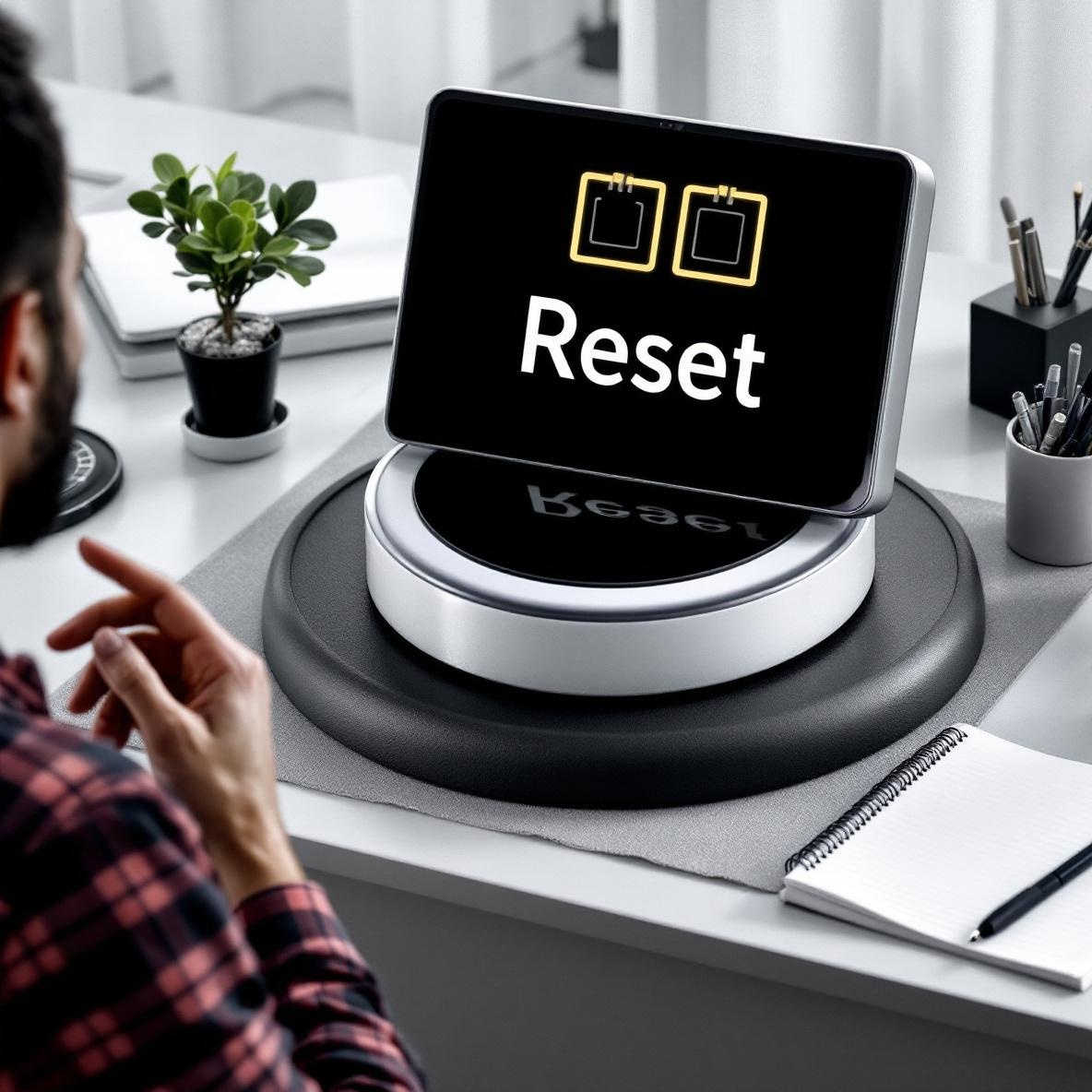
This one sounds philosophical, but it’s actually super technical. Every few months, something silently breaks — like how Zotero broke my export rules because I tested a beta connector that rewrote the config file (without warning… thanks I guess).
Build these into your system right away:
1. A button that re-imports all data (like a Make scenario that does a full overwrite from Readwise if nothing came in for 7+ days)
2. A Google Sheet with “Last Synced” timestamps auto-updated by Zapier
3. A scheduled push notification every Friday that asks: “Did your Readwise → Notion tool fire this week?”
4. Backup exports of each note app to Dropbox every Sunday
5. A shortcut on your phone that lets you capture a note to *three destinations* at once (for me, that’s Notion, iCloud Notes, and Slackbot)
These aren’t paranoia. They’re armor against the inevitable collapse 🙃. Because even if your knowledge system works now, some link will break, some API will update, Webhook.site will go down, or your Readwise auth token will reset itself without you noticing.
And when it does, you don’t want to be in slack-jawed awe trying to reverse engineer your own logic from three months ago. I’ve done that already — never again.