
Managing Tasks as a Freelancer Using Asana Without Losing Your Mind
Freelancers never stop juggling. Whether it’s invoicing overdue clients, rewriting drafts for the third time, or rushing to get a tiny edit uploaded before a 5 PM deadline — most of us are either on the verge of burnout or impressively close to accidental success. I’ve been deep into project chaos for a decade, but Asana’s mix of structure and freakish unpredictability somehow keeps me semi-functional. Here’s how I’ve been limping along with it in 2025.
1. Setting up task hierarchies that actually reflect client work
First, forget the official Asana “best practices.” They never matched my freelance life. Everyone says to create projects per client or per deliverable… but reality is messier. I chase leads on LinkedIn, take on podcast editing gigs randomly through Reddit, and sometimes get asked to consult on app UX out of nowhere. One clean project per client? Yeah, okay. 😛
So here’s what I literally ended up doing:
- One main project called “RETAINERS & INCOMING” — this catches *everything*, even notes on voice memos I forget to process
- A separate project for long-term clients only, pinned with custom fields for contract renewal date, hours tracker (yes, I just update this manually), and what I owe this month
- A “Need to Respond” board, where the columns are basically inbox folders: *Due Today*, *Waiting for Reply*, *Just Ghosted Me*
Subtasks are where I got burned fast. When clients send really granular scope updates (“Add a shadow to the logo on mobile devices after scrolling 300px”), subtasks helped break that down by device + asset. But I couldn’t see due dates from my calendar view unless I manually enabled subtask visibility in the Timeline. Still annoys me. (Asana, fix this already 🤨)
2. Handling overlapping deadlines using timeline hacks
Here’s the pain point: Two clients, both with deliverables due Friday. One’s a podcast episode, the other wants five Canva-ready quote cards exported for Instagram. *Deadline’s the same*. Time required isn’t.
Asana’s Timeline view helped, but not how they say it should. The official docs say you can “see dependencies and adjust workloads.” Yeah, but that assumes you’ve set all assignees, durations, and dependencies in advance. My reality:
- Podcast final cut is 4-6 hours of unpredictable audio cleanup
- Canva quotes sometimes take 45 minutes, sometimes 4 hours depending on the revisions
So instead, I did a dumb but effective thing:
- Made a new custom field: Time Estimate (manual entry)
- Created a fake teammate called “Timeblock Bot”
- Assigned each task to Timeblock Bot with start times staggered according to effort
It worked well enough, especially since I use Calendar View in parallel. If I saw things bunched up on a Friday, I knew to ping the podcast client earlier to confirm topic relevance and potentially push the Canva work back.
Oh, and sometimes the Timeline just… doesn’t snap to selected hours. Drag a task to start Wednesday morning? Boom, it locks to 3 PM for no reason. Refreshing fixes it most of the time ¯\_(ツ)_/¯
3. Using custom templates without breaking automation flows
This part nearly drove me to uninstall Asana last February.
I made a custom template called “New Client Workflow,” with sections like *Initial Onboarding*, *Send Contract*, and *Task Intake Form Check*. It had rules built in:
- When you mark “Send Contract” complete, auto-assign “Set project kickoff time” to me
- When any task is due within 3 days, add it to *Urgent Freelance* project
Seemed perfect… until I duplicated the template to onboard a client on a retainer.
None of the rules fired.
Turns out, duplicating a template breaks relative due dates and sometimes wipes rules if you made any edits to the copy before publishing (!!). I had to rebuild the automation Rules in the *new version* of the copied project — which felt ridiculous because I had just copied them.
After testing about nine combinations of duplication methods (from Favorites, from Templates tab, or by project-level Duplicate), the only one that preserved the workflow *consistently* was:
- Open Templates tab
- Select the template
- Click “Use Template”
- Immediately hit Cmd+S and change nothing 😅
Now I version each template with a date in the title and never edit the automation rules again unless I’m editing the base version.
4. What actually works for one person doing multiple roles
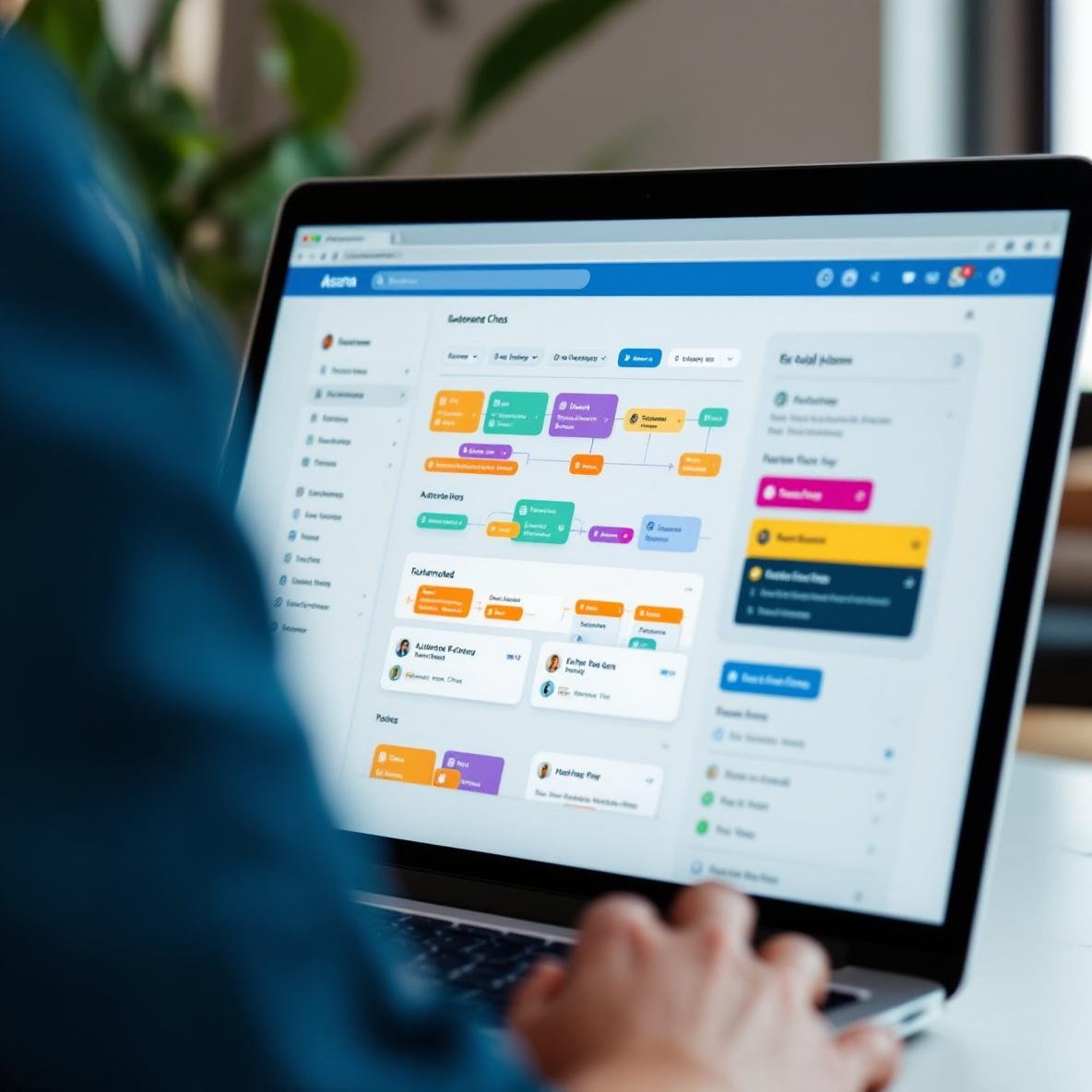
There was a week earlier this year when I was acting as writer, account manager, designer, and assistant editor for three different people. Asana technically “supports multiple roles,” but it doesn’t understand one person occupying many hats in a day. You can’t assign multiple roles on a task the way you would in, say, Notion where you might tag yourself under several meta fields.
So I hack it with tags:
- “editing-mode” for days I shouldn’t be writing anything new
- “client-facing” for tasks involving meetings or deliverables
- “in-prog” or “needs-research” so I don’t start something without prep
Then I saved Advanced Search views for each tag group + upcoming due dates. It’s dumbly manual, but I hit “E” to jump between tasks, filter for “editing-mode,” and it gives me this illusion of batch productivity.
The dumbest tiny win? Color-coding tasks by priority and then enabling Asana dark mode. The red priority flags actually *pop* in dark mode, unlike in light theme where they blend in too much. Microoptimizations like this keep my brain from short-circuiting 🧠
5. Notifications and calendar syncing that sometimes just stop
I set up Asana to sync due dates with Google Calendar because — in theory — it’s helpful seeing everything in one place. But in January, I noticed items were missing from both my calendar and my reminders.
Turns out the Google Calendar sync dropped on accounts that changed timezones multiple times without re-authorizing the integration. (I took a trip during New Year’s week and accidentally toggled my laptop’s timezone twice.)
There’s no alert when the sync fails. You only find out when you check the Google Calendar URL Asana gives you, and it opens to a blank feed. After re-pasting it into Google again and waiting for the iCal cache to clear, things reappeared — but still a full day out of sync until the refresh cycle completed.
My short-term fix was exporting a CSV from Asana’s project, uploading it into Google Sheets, and then using a really questionable third-party tool to push it to Calendar. Sketch? Yes. But I needed to see if I had enough Saturday open to cut an explainer video.
So now I just open Asana first thing and ignore calendar syncing, except for recurring items like weekly invoices.
6. Little automation tricks I actually use without hating myself
Some of the automation inside Asana is powerful. Some of it is laughably rigid. But underneath it all, there are a few reliable tricks that make my mess feel like it’s being managed by a very tired assistant:
- Auto-assign subtasks to myself when I mark the parent task ready — helpful when I’m doing both strategy and execution
- Rule: If a task includes the word “invoice,” move it to my Finances board and ping me a comment tagged “urgent”
- When a comment from a client contains a question mark, post it in my Slack channel using Zapier for review (clunky, but helps)
- Convert Slack messages into Asana tasks via the integration plugin — although sometimes it strips attachments 🙁
- Keep a dummy task titled “Today’s Status” where I add everything I touched (like a micro logbook)
One automation failed hilariously — I created a rule to reassign tasks to me if no progress was made in 5 days. But that led to three-month-old paused video projects boomeranging back to me… during a week I was out of office. Ended up getting seven Slack pings from myself mid-hike. Not ideal.
Sometimes the best automation is knowing what to *not* automate.