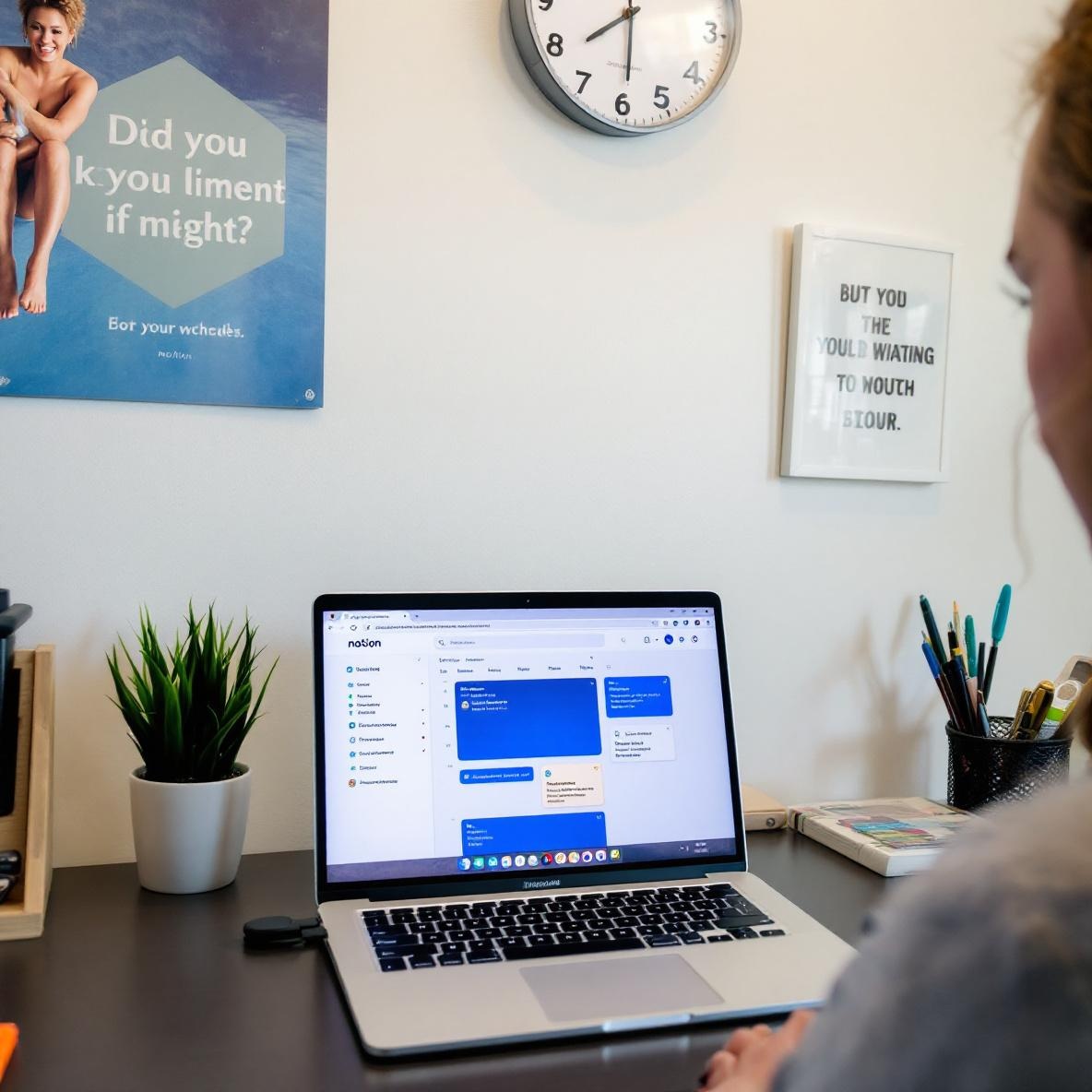
Notion Setup That Worked Fine Until I Added a Filter
I used to think Notion was practically invincible. Until I tried building a daily dashboard that actually updated. I’m a freelance copywriter, and over the last year I’ve Frankensteined together a home base for time tracking, task capture, and weird client notes (you know the ones). Anyway, this started with a cozy little Today page and turned into a maze of rollups, filtered linked databases, recurring template buttons, and—eventually—the filter that brought it all crashing down.
Let’s talk about it.
1. Setting up a reliable Today view in Notion
This is where it always starts: I want to wake up, open Notion, and have my page say, “Today is Wednesday.” That’s it. But then I want it to also show:
- Tasks due today
- Tasks I added today
- Journal for today
- Calendar blocks for today
In theory, this is a single filtered view of four databases. In practice, it’s a mess unless I’m hyper-specific about date properties.
For example: I had a Task database with a “Due Date” property and a separate “Date Created” for filtered views. If your filter is set to “Date is today,” you expect it to show today’s tasks. But Notion’s “today” means different things in these properties. If you add a task at 11:58 PM and open the dashboard again the next morning, it already doesn’t count.
One very specific issue I got stuck on: the date filter doesn’t update unless you refresh the page. So you can build the perfect dashboard, but the template you set to open every morning will freeze on yesterday’s date, unless you refresh your Today view manually. Found that one out because my calendar started showing tomorrow’s time blocks while the task view was still stuck on yesterday. ¯\_(ツ)_/¯
2. Rollup filters broke when I added a status property
After a while, I wanted to see only the *incomplete* tasks due today. Reasonable, right? Nope. I had a checkbox called “Done” but decided to switch to a multi-select Status property (“To Do,” “In Progress,” “Done,” “Skipped”). Seemed harmless.
Everything exploded.
I had a rollup in the Project database showing the “Next Task.” It was a filtered rollup that pulled from Tasks where Status was not Done and Date was on or before today. However: once I switched to multi-select Status, the rollup always came back empty. Even when it clearly shouldn’t have.
Turns out that Notion sometimes caches old filter logic in rollups. You look at the Rollup settings and it *says* it’s filtering by Status ≠ Done, but it was still referring to the old checkbox field internally. No error message, no warning. I had to delete and recreate the entire Rollup property.
The fix worked—for about two weeks. Then it suddenly started showing the oldest task regardless of status. Logged out and back in, it showed the right task again. Can’t explain that one, and support just said “try duplicating the page.”
3. Recurring tasks glitch if you clone old templates
To automate recurring tasks, I set up a template button that duplicates a Task with a relative due date of “today.” Easy. Until I tried editing one of the templates.
Some of my early templates used the now-deprecated way of setting default values in the button (dragging a page into the button area, then changing it inside the edit dialog). After Notion updated how date fields work, these old buttons started duplicating entries with literally no date instead of “today.”
Even weirder: the first clone would have no date, but the second one would. Then the third had no date again. It alternated like that. Notion support told me they couldn’t reproduce it. I recorded the screen and showed the glitch—still nothing.
Eventually, I rebuilt the whole button from scratch using the new format and it worked again. But it seems like any update to the Task template’s content resets the internal logic that handles relative dates. If you edit the title or tags at all, boom, the “today” link breaks.
4. Time blocking inside Notion slowly destroyed my week
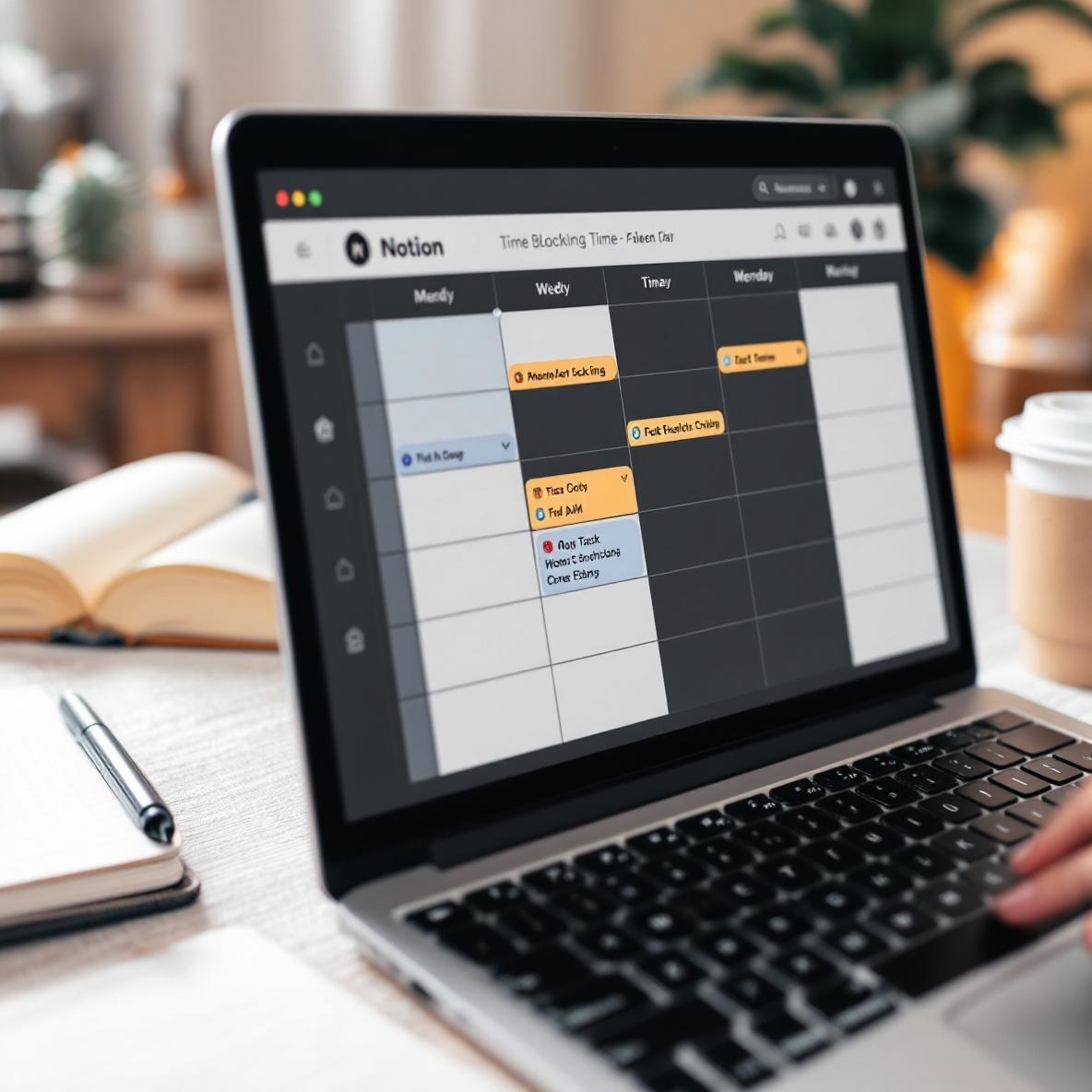
Some freelancers out there are doing entire weekly planning inside Notion using a linked calendar view and dragging tasks around like a Kanban. I wanted a lighter version—just time blocking three hours a day. So I built a Calendar database with entries titled “Deep Work,” “Admin,” “Calls,” and so on, and linked it to the Today view.
This worked fine until I tried adjusting entries from mobile. Every time I changed the time or title on mobile, the page’s layout reset to default. Not a huge deal, until I realized it also deleted embeds inside the page. I had some time block entries with embedded Google Docs or Looms linked for context. Gone.
Filed a support ticket and they told me, yeah, editing from mobile clears the body block if you save before it loads fully. So now I just don’t update time blocks from phone anymore, which sort of defeats the purpose.
Here are a few real-world corner-case fixes that helped keep the calendar view somewhat usable:
- Use templates to create new time blocks so you always start with the same layout
- Never edit time blocks until the mobile page fully loads — wait like 5 seconds
- Add a backup paragraph block at the top labeled “Do Not Delete” in templates (Notion preserves these even if layout gets rebuilt)
- Enable Notion AI summarization *just* to log what you had before it gets wiped 🙂
- Create a recurring template button that generates the week’s time blocks on Sunday with pre-linked docs
5. Syncing Notion tasks to Apple Calendar still relies on janky workarounds
There’s still no native two-way sync between Notion and Google Calendar or Apple Calendar, despite Notion teasing calendar integration for over a year now. For freelancers juggling deadlines, this is rough. I tried the following:
- Zapier: Doesn’t support recurring tasks with relative dates
- Make: Supported more advanced filtering but randomly delayed triggers sometimes by up to 30 minutes
- Notion API via custom script: Kind of worked but broke when I added a new Date property — the script error was “missing required property” even when it was mapped
Finally I gave up and used Cron calendar (which is owned by Notion now) to at least see both my synced Google Calendar and a manually-updated Notion calendar in one place.
One workaround I still use: a Notion-linked view that mimics Apple Calendar entries by using a second database formatted as a Timeline, with a filtered view for “Start Time is today.” It’s not clickable from outside Notion but I can at least keep them in sync semi-visually with color tags (red for deep work, blue for client calls).
6. How cross-database filters can silently break without you noticing
This made me nauseous when I found it: a Portfolio review page that was supposed to load “Client Projects for this Quarter” had been silently showing zero results for *months*. No error message, just an empty view.
What happened?
I had a Dashboard page with linked views showing only projects from the current quarter, based on a formula like `formatDate(now(), “Q”)`. I then filtered those by Client name, pulling from another database.
But one day I renamed a Client from “Acme LLC” to just “Acme.” Valid change — the project still had the correct relation. But the filter in the Dashboard didn’t catch it. Turns out those filters cache original relation names, not IDs — and if you rename a related item, the filter silently fails.
I re-added the filter condition and it instantly started working again. So now I audit all filters every few weeks. Not ideal.
7. Using Notion formulas to decide what gets shown each day
This one actually works well now—but it took weeks of trial and error.
I use formulas like this to decide which tasks belong in today’s view:
if(prop("Status") == "Done", false,
  if(dateBetween(prop("Due Date"), startOfDay(now()), endOfDay(now())), true, false)
)
That formula basically says: show tasks due today that aren’t Done. I use that as a checkbox called “Show Today” and filter my Today page on that value.
The issue is Notion doesn’t always refresh formula outputs immediately. Especially when the system date changes. So if you leave Notion tab open all night, your “Today” page still shows yesterday’s items. Refreshing the browser works. Refreshing the page often doesn’t. You might even have to fully close and reopen Notion.
True story: I scheduled a few admin tasks for Monday and left the page open on Sunday night. Monday morning, I didn’t do any of them because none showed up. Only realized it on Tuesday. Not a great feeling 🙁
Now I always run a forced refresh script at midnight that resets a “Last Viewed” timestamp — which triggers the formulas to recalculate on load. It’s hacky, but it works.